
Keptjoy for School
Turn a lesson into a game for the whole classlearning on students’ own phones
Revise with quizzes, practise vocabulary with bingo, build word chains and race through mental maths. Open it on the classroom screen; students scan the QR and type a name, with no app and no sign-up.
- No app to download
- Players never sign up
- Free during the beta
Find the PIN on the big screen, or scan the QR the host opened
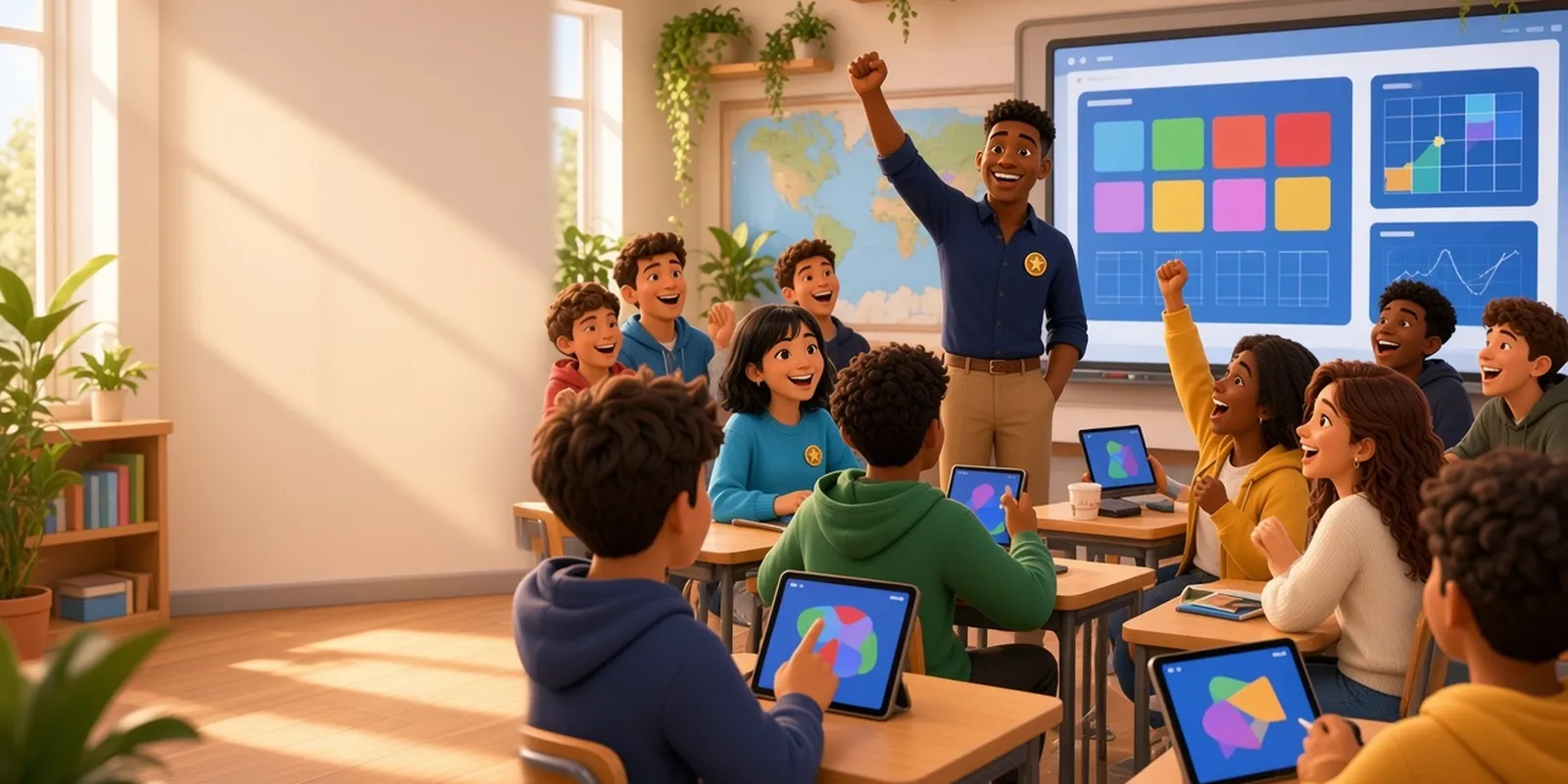
Everyone answers, not just the raised hands
Every student answers on their own phone or tablet, and the teacher sees the whole class’s results on the front screen.
Three steps
How it works
- 1
The teacher opens a game on the front screen
A TV, projector or a screen connected to the teacher’s laptop
- 2
Students scan the QR
Just a name. No account, no app
- 3
The whole class plays at once
Answers come from phones; scores and rankings appear on the front screen
Ideas
When to use it
Revision before a test
Ask questions from the lesson and see at once which ones most students got wrong
Vocabulary practice
Put the unit’s words into bingo. Students hear the meaning and mark the word
Calling on students and making groups
Spin the wheel to pick who answers, and pair students up with nobody left out
9 games
Learning games
From small groups to the whole class. Students join on phones or tablets
Free for teachers
Send us your name, school, the subjects and grades you teach, and the email of your Keptjoy account, and we’ll switch on teacher access.